

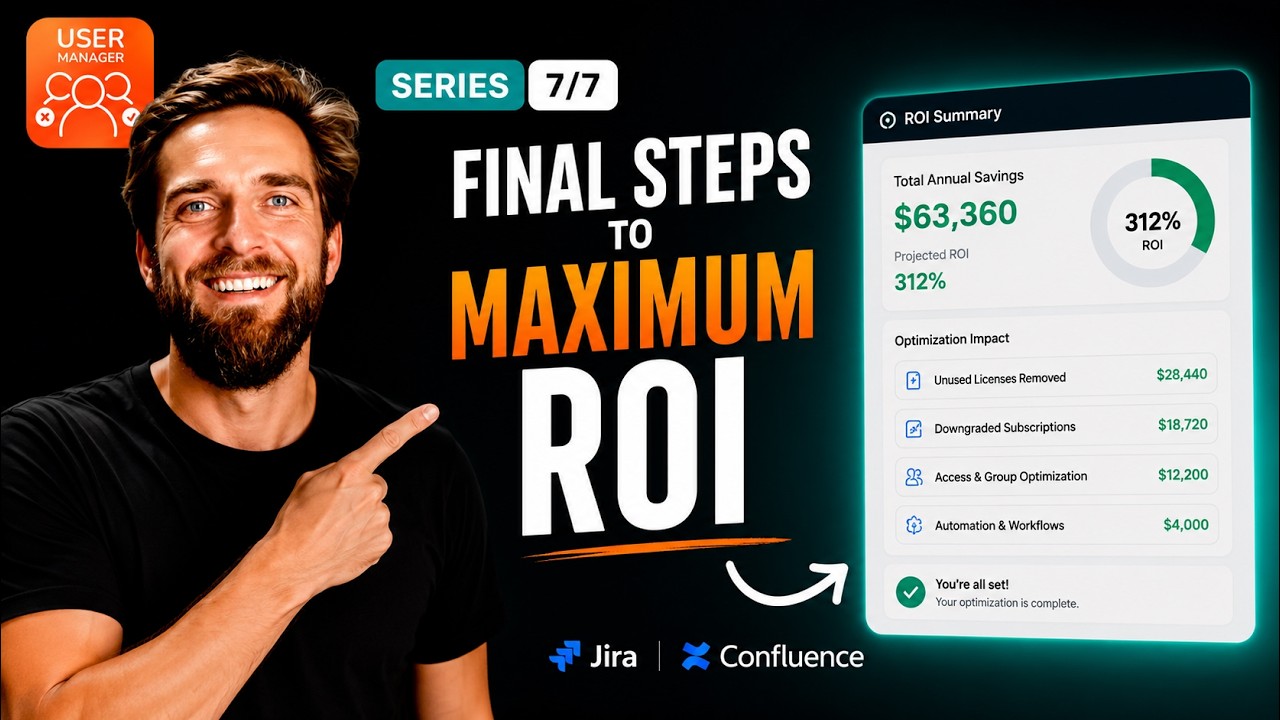
Atlassian charges per product, and each product has its own pricing tiers – meaning a single user can hold a Confluence license they never use, quietly pushing your organization past an expensive tier threshold. In our walkthrough, we show you exactly how to optimize licenses product by product using User Manager, reclaiming unused seats in one application without affecting access to any other.
This per-product optimization approach lets you stay under costly tier lines by trimming only the idle seats in a specific product, keeping users fully active everywhere else they actually work.
In our video, we walk through the entire process step by step as the final installment of our User Manager series:
Why Per-Product License Optimization Matters
Understanding how Atlassian’s pricing model works is the foundation of this strategy. Atlassian charges per product, and each product – Jira, Confluence, and others – has its own set of pricing tiers. When your user count in any single product crosses a tier threshold, your bill for that product jumps significantly. The problem is that many organizations don’t realize they have dozens, sometimes hundreds, of users holding licenses for products they never actually use.
Consider a common scenario: a user is a daily power user in Jira, logging in every day, managing issues, and running sprints. But that same user has never once opened Confluence. Despite this, they still hold a Confluence license. Now multiply that pattern across your entire organization. One product can quietly creep past a tier threshold, causing a significant jump in your overall bill – even though half of those licenses are completely idle and doing nothing productive.
The core insight here is simple but powerful: optimize the product, not the person. You’re not switching a person off everywhere. You’re trimming the one product they don’t use. The same account can stay fully active in Jira while you reclaim their idle Confluence seat.
A Concrete Example with Confluence
Let’s make this tangible. Say your Confluence usage has just nudged over a tier line. The next pricing bracket represents a real jump in cost – potentially thousands of dollars depending on your organization’s size. When you look closely at your user data, you discover that dozens of users have Confluence access but haven’t touched it in months. These users live in Jira. They do all their work there and have no practical need for Confluence access.
By removing just their Confluence access – and nothing else – you drop back under the threshold and avoid the tier upgrade entirely. Their Jira access stays exactly as it is. They lose nothing they were actually using, and your organization saves a meaningful amount of money. This is the essence of per-product optimization.
How to Optimize Licenses Product by Product
Part One: Isolate the Product
The first step is to identify your opportunity. From the User Manager dashboard, look at the Confluence card (or whichever product you’re analyzing). This card shows you the number of active users against the total license count. The gap between these two numbers is your opportunity – it represents users who hold a license but aren’t actively using the product.
Next, head to the User Browser and apply filters. Set the “Included Apps” filter to Confluence and set the inactivity window – for example, a two-year window. This ensures you surface exactly the people who are holding a Confluence seat without actually using it. You’re not guessing or making assumptions; you’re working with concrete usage data to make informed decisions.
Part Two: Reclaim Just That Product
Once you’ve identified the users who are inactive in Confluence, select those users in the User Browser. Click on “Bulk Operations,” choose “Remove App Access,” and pick Confluence only. This is the critical detail – you’re leaving every other product completely untouched. A user’s Jira access, or access to any other Atlassian product, remains exactly as it was.
Confirm the action by clicking “Apply,” and your Confluence user count drops back under the tier line. The expensive upgrade is avoided, and no one loses access to tools they were actually using.
Tagging and Automation
Here’s a valuable tip from our video: after reclaiming those seats, tag these users with a group so that an automated task can keep that product optimized going forward. This prevents the same problem from creeping back over time as new users are added or as existing users accumulate product access they don’t need. Automation ensures your optimization work isn’t a one-time effort but an ongoing, sustainable practice.
You can repeat this exact same process for any product that’s creeping toward its next pricing tier. Whether it’s Confluence, Jira Service Management, or any other Atlassian product, the approach is identical: isolate the product, identify inactive users, and reclaim only the unused seats.
The Complete User Manager Series Recap
This video marks the final installment in our seven-part User Manager series. Across the entire series, we’ve covered a comprehensive approach to Atlassian license management and user optimization:
- Finding waste – identifying where unused licenses exist across your Atlassian environment
- Acting on it safely – deactivating users with confidence, knowing you’re not disrupting active workflows
- Automating cleanup – setting up automated tasks so your environment stays optimized without manual intervention
- Offboarding cleanly – properly removing departed users from your systems
- Scaling – applying these practices across large organizations with hundreds or thousands of users
- Migrating smart – ensuring your license optimization carries over during platform migrations
- Fine-tuning by product – the per-product optimization strategy covered in this final video
Put all seven strategies together, and you have a leaner, compliant, and fully optimized Atlassian setup. You’re no longer paying for licenses that sit idle, and you have the systems in place to keep it that way.
About User Manager
User Manager by resolution is a license optimizer and user management app for Jira and Confluence. It lets you see who is really using your Atlassian licenses across every product and site, reclaim unused seats, automate cleanup, and stay compliant – all from one console. Whether you’re managing a small team or a large enterprise, User Manager provides the visibility and control you need to keep your Atlassian costs in check.
You can get User Manager on the Atlassian Marketplace to start optimizing your licenses today. The tool is designed to make the entire process – from identifying waste to reclaiming seats to automating ongoing optimization – as straightforward and safe as possible.
