

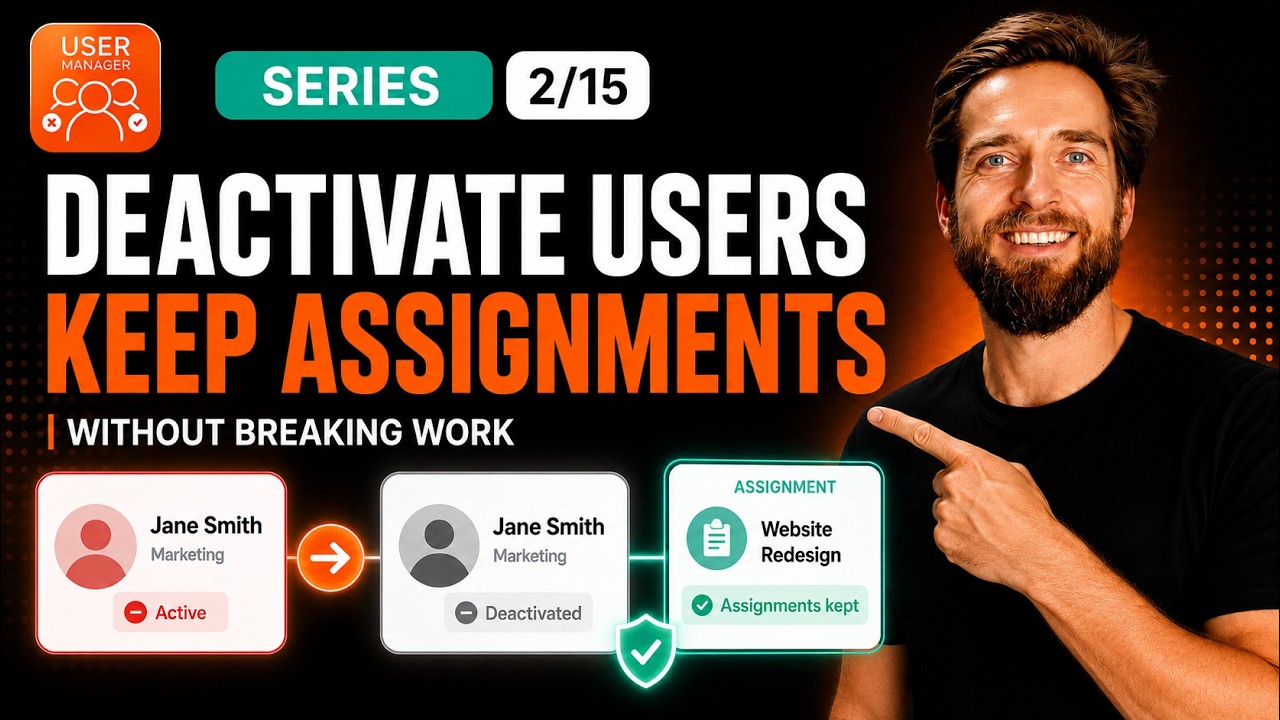
When you deactivate an inactive user in Jira or Confluence to reclaim a license, you may inadvertently remove their assignability and mentionability – breaking team workflows. In our video, we walk through the structural fix that ensures deactivated users remain pickable in assignee fields and @mentions while still freeing up their paid seat.
The solution revolves around understanding the difference between product-access groups and stable custom groups, and anchoring all your permissions on the latter so that license removal never impacts user visibility.
Watch our full walkthrough on keeping deactivated users assignable and mentionable below:
The Core Principle: Product-Access Groups vs. Stable Groups
The entire fix comes down to one critical concept: User Manager only ever modifies product-access groups — the groups that Atlassian uses to grant a paid seat. It never touches your custom permission groups. This means if you keep every permission grant on a stable, non-product group, removing someone’s license cannot break their assignability or visibility. The rights that make a user pickable in dropdowns and mentions live on a group the app simply does not modify.
The real work, then, isn’t about configuring a setting inside the app. It’s about making sure your permission structure hangs off stable groups rather than product-access groups. Once that’s in place, deactivation becomes completely safe for day-to-day team workflows.
How to Tell the Two Group Types Apart
In the User Browser, you can visually distinguish between the two kinds of groups. Product-access groups are prefixed with a hash symbol (#) and shown in dark gray – for example, #jira-users-your-site. These are the groups that grant paid seats, and the “Remove App Access” action is what strips users from them.
Everything else – groups like HR-users, jira-member, or inactive-users – appears in light gray with no hash. These are your stable groups, and the app leaves them completely alone. The trick is simple: put your permissions on the light gray groups, and deactivation can never reach them.
Part One: Wire Your Stable Group Into Permissions
Choose Your Stable Group
First, pick a stable group to anchor your permissions on. Your existing identity provider groups like HR-users work perfectly for this purpose. Alternatively, you can use a single broad group like jira-member for everyone. The key requirement is that it must not be a product-access group.
Jira: Assignable User Permission
In Jira, the only permission you need to configure is Assignable User. How you add it depends on the project type:
- Company-managed project: Go to Project Settings → Permissions, and add your stable group to the Assignable User permission.
- Team-managed project: Go to Project Settings → Access, and add the group with the Member role. This already grants assignability.
There is one important trap to avoid here. The Assignable User permission means a user can be assigned to an issue. Don’t confuse it with Assign Issues, which controls who can do the assigning. You only need the first permission for this fix.
Confluence: Space Permissions
For Confluence, grant your stable group space permissions under Space Settings → Permissions in each space where mentions matter. This ensures that users in that group remain mentionable even after their product access is removed.
Part Two: Deactivate Safely
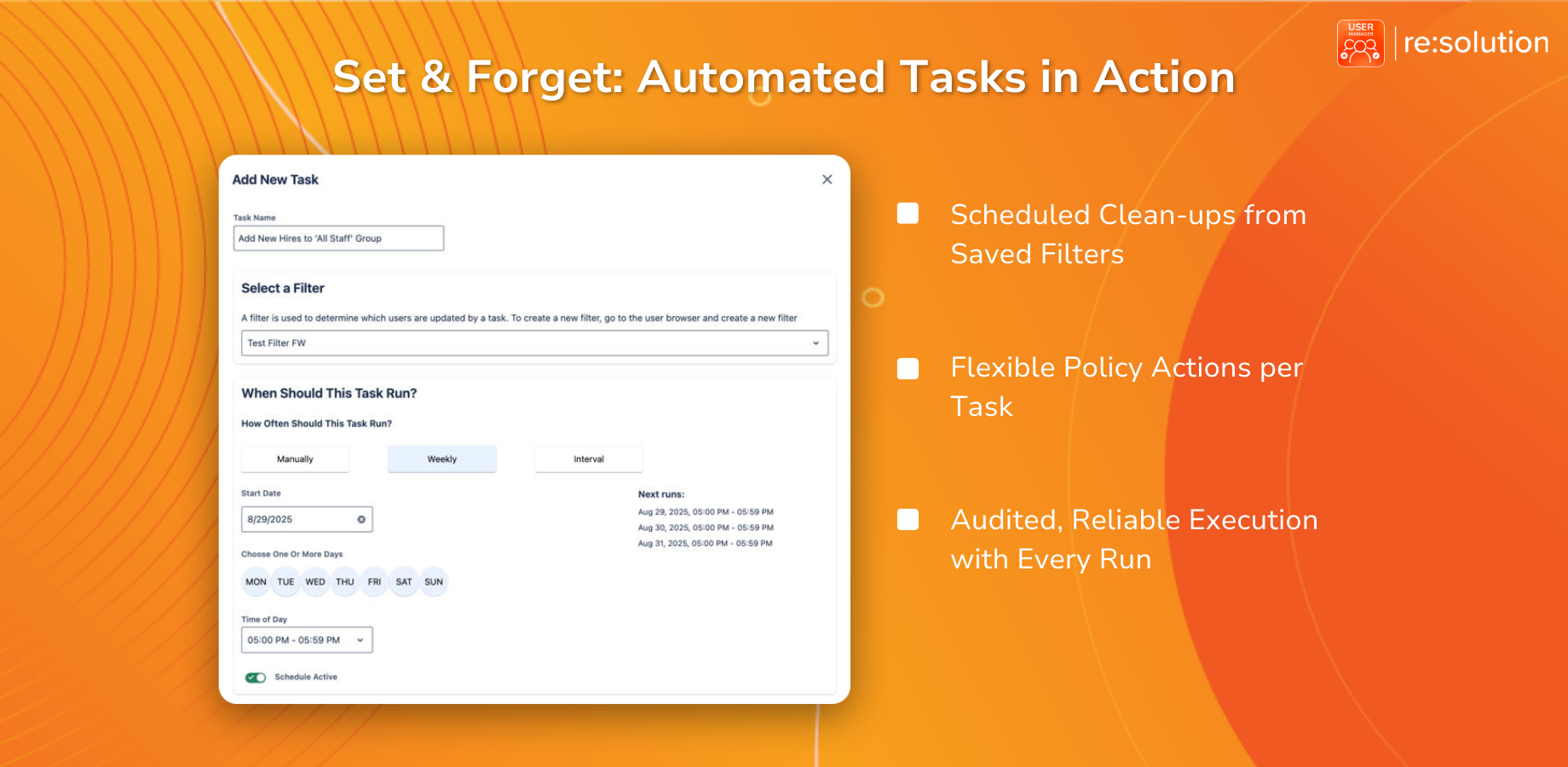
With permissions anchored on stable groups, deactivation becomes simply a matter of running “Remove App Access” on the product-access group. Because your permissions don’t live there, nothing breaks.
Jira Behavior After Deactivation
For Jira, the result is straightforward. A deactivated user stays assignable and mentionable, and they still receive the mention notification. No additional steps are required – the stable group holds all the necessary permissions intact.
Confluence Requires a Two-Step Approach
Confluence has one wrinkle that requires extra attention. When you remove app access for Confluence, it also strips the per-site Confluence guest group, which carries mentionability. This means a single “Remove App Access” action isn’t enough to preserve mentions in Confluence.
The solution is a two-step automated task:
- Step 1: Remove App Access for Confluence (this frees the license).
- Step 2: Add to Group – specifically, add the deactivated user to a group that holds your space permissions.
The tested result after this two-step process: in Jira, assign works – yes. Mention works – yes. In Confluence, mention works – yes. License reclaimed, assignability and mentionability untouched.
A Practical Scenario
Picture this in practice: you free an inactive developer’s seat to reclaim the license. The next week, a teammate needs to assign that person a handoff ticket and @mention them in a wrap-up page. Because their permissions never lived on the product-access group, the seat is gone – yet the person is still right there in the picker. This is the ideal outcome: license reclaimed, workflows unbroken.
Reactivation and Identity Provider Considerations
Reactivation is handled by Atlassian itself, not by the app. Single sign-on controls who can log in, and your approved domains with default product access will regrant the seat on a returning user’s next sign-in. This makes the full lifecycle – deactivation and eventual reactivation, seamless.
One important caution: don’t provision product-access groups straight from your identity provider via SCIM. Those groups become read-only to the app, which prevents User Manager from modifying them as needed. Instead, use an automated task as the second layer to handle group membership changes.
About User Manager
User Manager by resolution is a license optimizer and user management app for Jira and Confluence. It lets you see who is really using your Atlassian licenses across every product and site, reclaim unused seats, automate cleanup, and stay compliant – all from one console. This video is part of the ongoing User Manager series, with the next episode covering multi-site management – running every one of your sites from a single console.
