




Out of Office
Don’t make them wait.
Customers and stakeholders are impatient.
Make progress while team members disconnect with automated handovers to available coverers.
Absences won’t be blockers
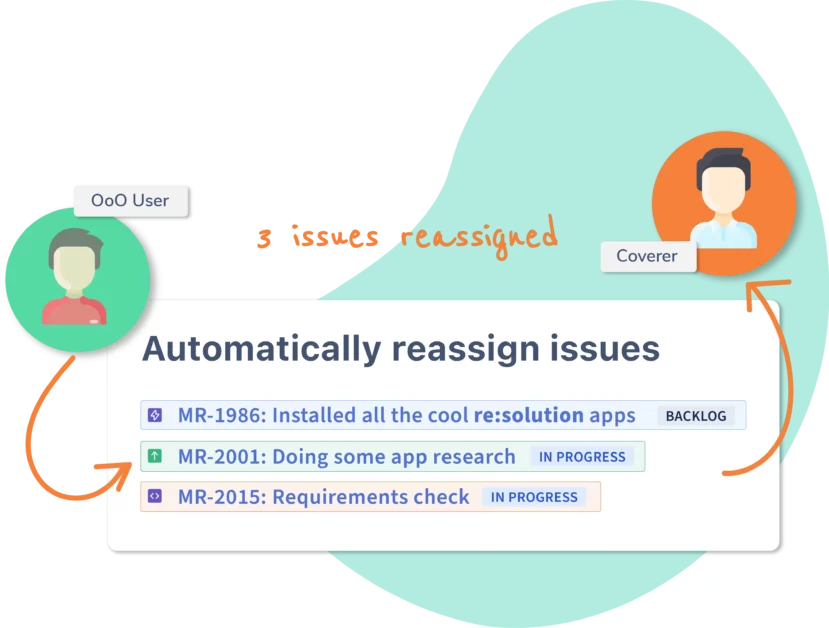
Reassign to coverers
Don’t slow down when a team member is away.
Out of Office rules can automatically reassign their issues and approvals!
Sync your calendar
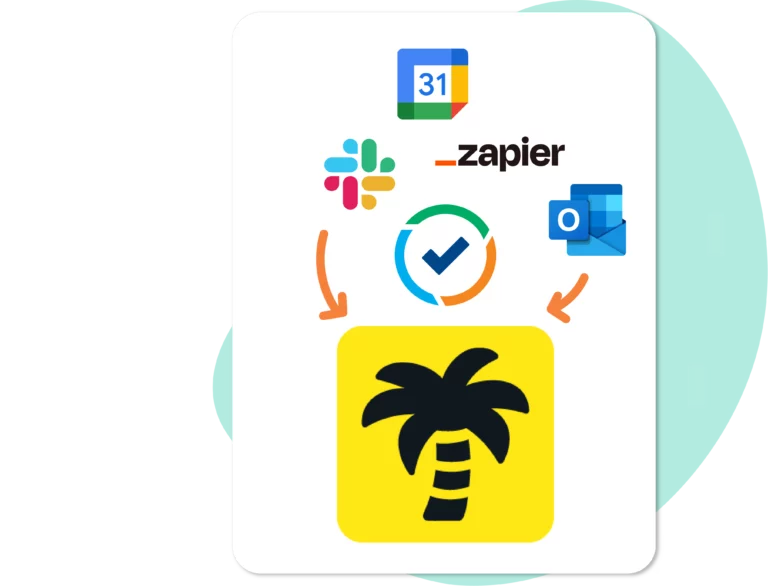
Integrate with Outlook & more
Connect your Auto Replies from Outlook, your Vacation Responder from Gmail, or control your status from Slack.
You can also automate with Zapier, plan time off with Tempo, or build your custom integration with our REST API.
Or build your custom integration with our REST API.
LAUNCH YOUR TEAM
Power up your team dynamics with
Out of Office Assistant for Jira Cloud
Use Cases
Absence Management
Delegate Approvals
The Handover Shop
Out of Office today is about automating handovers and speeding up delivery.
Don’t miss out on all our tips and best practices!
Out of Office rules
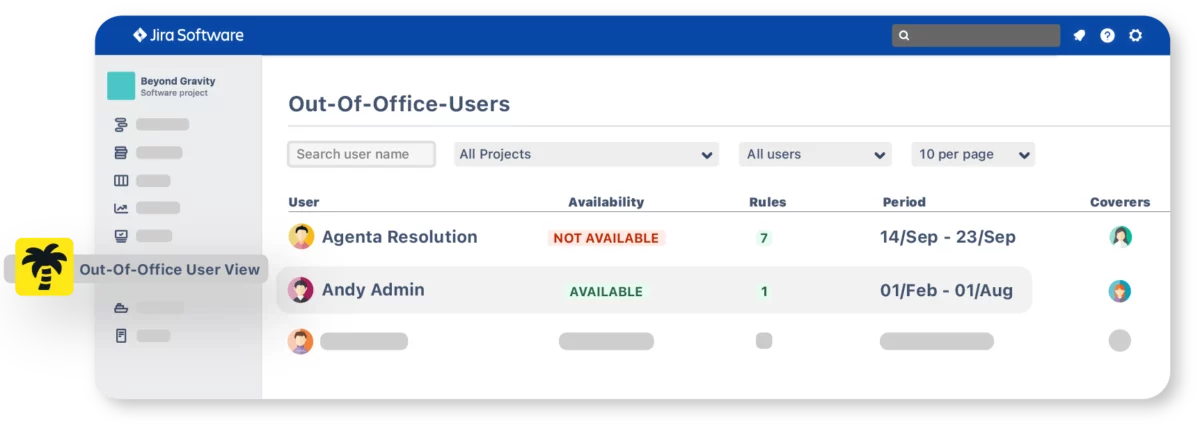
Define Out of Office rules. As many as you need.
- Select a start date and an optional end date
- Project-based or JQL-based rule triggers
- Create simultaneous rules for different sets of issues
Out of Office messages
- Optionally share out of office messages with customers
- The message is optional when the rule defines coverers and/or approver coverers
- Message can be triggered when a customer responds (automation setup required)
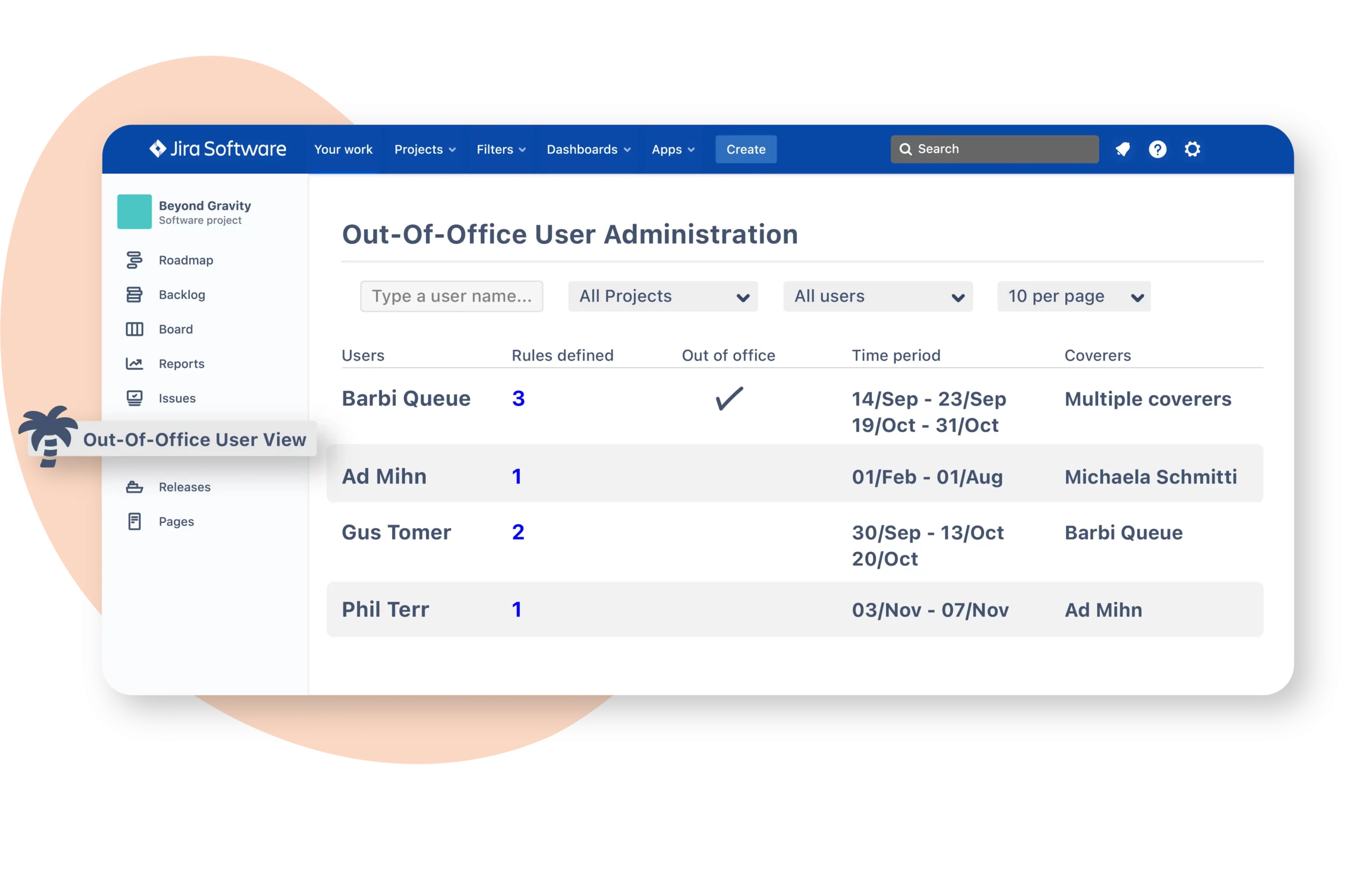
User Administration
- Admins can manage rules
- Project admins have admin rights over project members
- Includes the ability to create API Tokens with admin scope and for other users
Capacity Reporting
- Look back on reassignments done by Out of Office
- Track issues whose assignees are Out of Office
- Report on capacity and productivity KPIs: story points at risk, total issues reassigned per coverer, or which projects have more team members out of office.

Issue Glance
See when an assignee is Out of Office and when they will be back

Mention tags
Trigger warnings of upcoming and current absences when users are mentioned in Jira

API for developers
Connect to any third party platform with REST API Tokens

Get Started with Out of Office Assistant
User Guide
Features
Integrations
Connect Jira
Video Overview
-
Tutorial
-
Tempo Integration
-
Google Calendar
-
Connect Outlook
-
App for Slack
RESOLUTION IS TRUSTED BY OVER 8,000 CUSTOMERS WORLDWIDE


Frequently Asked Questions (FAQ)
Out of Office rules by default trigger for any issue assigned to the rule owner. They can be restricted to specific issues by project or by using a JQL filter.
Out of Office Assistant can be combined with Round Robin rules to automatically skip over users who are out of office when distributing issues.
More information:
Specific features to Jira Service Management include approval coverers, sharing messages in the customer portal, and displaying agent availability.
Yes, queues can be customized to display issues assigned to unavailable agents using JQL.
Yes, JQL queries can be used to create reports for tracking issues that have been reassigned by the app, and issues currently assigned to users who are on leave or are about to be on leave.
More information:
Using JQL to report on issues reassigned by Out of Office
Using JQL to find issues based on the status of assignees
Keep reading ⟶
Yes, any number of Out of Office rules can be activated based on Tempo plans by mapping the corresponding template to internal issues.
More information:
Yes, the app supports all types of time-off plans as long as they are mapped to Out of Office by an admin.
More information:
Yes, the API can create complete Out of Office rules, changing the status to “unavailable” as per the set dates.
More information:
Yes, an Out of Office connector in Zapier supports creating Out of Office rules from external calendars or HR tools.
More information:
To bypass Out of Office rules for all projects, create more specific rules like a single project rule or a JQL-based rule. These specific rules are evaluated first before applying the all-projects rule.